

Two-Player Games You Can Play on One Keyboard
In this guide
- Real Cars Epic Stunts - stunt tracks for two
- Madness Driver Vertigo City - race a friend or just roam
- Hydro Racing 3D - speedboats side by side
- Boxing Gang Stars - silly physics fighting
- Fish Eat Grow Mega - eat, grow, and share the ocean
- Super Heads Carnival - a party pack of mini games
- Making one-keyboard play comfortable
- Where to find more
- Frequently asked questions
Sometimes you do not want to play alone, and you do not want to set up an online match either. You just want a friend next to you, one computer, and a game that lets you both play at once.
These six games on IviGames list two-player support in their game information. Most share one keyboard, with Player 1 on the left side and Player 2 on the arrow keys. We have written down each player's keys exactly as the game lists them, so you can sort out who is who before the countdown ends.
Real Cars Epic Stunts - stunt tracks for two
The game has one-player and two-player modes, with dozens of stunt tracks built around mega ramps and a clock to beat. Cars can get crushed and smashed, and coins and diamonds pay for upgrades.
Player 1 drives with W, A, S, D, uses L-Shift for nitro and C to change camera view. Player 2 drives with the arrow keys, uses N for nitro and L to change camera view.
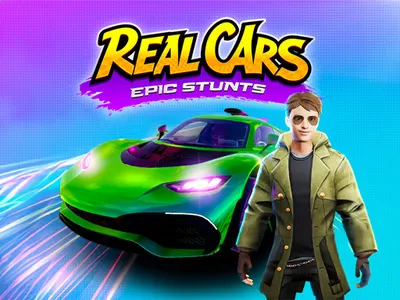 Real Cars Epic Stunts Throw tuned supercars off mega ramps against the clock - solo or with a friend on one keyboard. Play Real Cars Epic Stunts
Madness Driver Vertigo City - race a friend or just roam
This is a super-car playground with ramps, gems and amusement park activities. In two-player mode, you can challenge your friend in races or drive freely around the city.
Player 1 uses W, A, S, D, with L-Shift for nitro, R to restart and T to look back. Player 2 uses the arrow keys, with Right Shift for nitro, O to restart and P to look back.
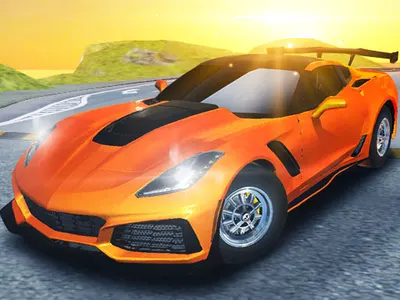 Madness Driver Vertigo City Supercars, sky-high ramps and a city built like a theme park - race it or just explore. Play Madness Driver Vertigo City
Hydro Racing 3D - speedboats side by side
Pilot a speedboat around a water course, with career chapters and a free-driving mode as well as races. The game supports single or two-player play, and it is designed for a keyboard, so it is best on a computer.
Player 1 steers with W, A, S, D, uses L-Shift for nitrous, R to restart and C to switch camera. Player 2 steers with the arrow keys, uses O for nitrous, I to restart and K to switch camera.
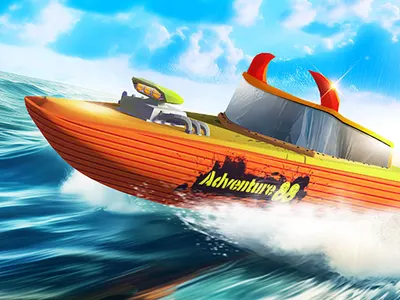 Hydro Racing 3D Speedboats, nitrous and open water - race a career or just go for a drive, alone or with a friend. Play Hydro Racing 3D
Boxing Gang Stars - silly physics fighting
Comic boxers with wobbly physics trade punches in a tournament-style game. You can fight the computer, but the two-player mode, with both boxers sharing a keyboard, is the better way to play. It is built for keyboard controls and a computer.
Player 1 moves with W, A, S, D, punches with F, G or T, and blocks with E. Player 2 moves with the arrow keys, punches with K, L or O, and blocks with I. Note that the arrow-key option for Player 1 is for single-player mode only.
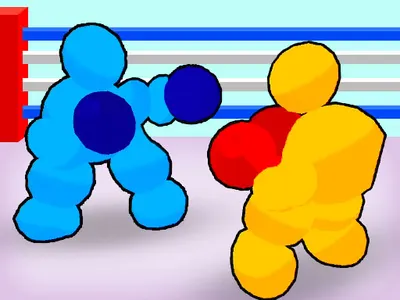 Boxing Gang Stars Wobbly physics boxing with silly fighters - play the computer or a friend on the same keyboard. Play Boxing Gang Stars
Fish Eat Grow Mega - eat, grow, and share the ocean
Big fish eat small fish. Pick your fish and explore a huge ocean with a friend in two-player mode, then grow as much as you can. You can cooperate or race each other for the best meals.
Player 1 swims with W, A, S, D and boosts with C. Player 2 swims with the arrow keys and boosts with L. The boost can help with both chasing and escaping, and you might try swimming to different parts of the ocean rather than sharing one patch.
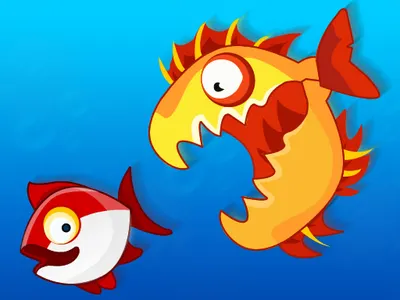 Fish Eat Grow Mega Eat the fish smaller than you, avoid the ones that are bigger and grow into the king of the ocean. Play Fish Eat Grow Mega
Super Heads Carnival - a party pack of mini games
This is a collection of short competitive mini games starring big-headed characters, including a soccer match, a chicken-catching round and a round where you serve food to customers. There is a single-player mode, and you can also grab a friend for local two-player matches.
The game lists WASD or touch controls for movement and tells you to follow the in-game directions for the two-player controls, so we cannot list Player 2's keys here. The game shows them on screen.
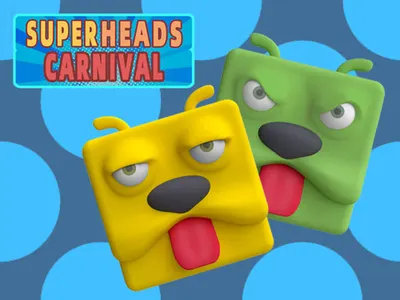 Super Heads Carnival A carnival of big-headed mini games - play solo or grab a friend for two-player matches. Play Super Heads Carnival
Making one-keyboard play comfortable
Sharing a keyboard is easy once you agree on a few things. For a first try, Real Cars Epic Stunts and Boxing Gang Stars give each player a clear set of keys, and Fish Eat Grow Mega is a gentler option if you do not want a head-to-head. Here are habits that help.
- Decide who is Player 1 and who is Player 2 before the game starts. Player 1 is on the left side of the keyboard in the games above, and Player 2 is on the arrow keys.
- Sit with your hands apart. The keys for each player are at opposite ends, so there is room for both of you.
- Click once on the game before you start so that the page, not a menu or address bar, receives the key presses.
- Take a moment to learn your restart and camera keys. In several of the racing games, each player has their own.
Where to find more
Three of the games here, Real Cars Epic Stunts, Hydro Racing 3D and Madness Driver Vertigo City, are part of the Racing category, and our guide to free racing games covers more of them. The fighting and ball games sit under Sports. You can also browse all games and look for those that mention a two-player mode on their page.
Frequently asked questions
Do both players use the same keyboard?
In the racing, boxing and fish games listed here, yes. Player 1 uses the W, A, S, D side and Player 2 uses the arrow keys, with other keys for actions such as nitro or punching.
Can I play these two-player games on a phone?
Several of them are listed as mobile-friendly, but the two-player modes with separate key sets are designed for a keyboard. Hydro Racing 3D and Boxing Gang Stars are not listed as mobile games and are best on a computer.
What if the keys do not respond?
Click inside the game once to give it focus, and check that you are using the right player's keys. Some keyboards cannot register many keys at once, so if you notice missed presses, try different action keys where the game offers a choice.